Access millions of verified reviews for 6,500+ brands   Search reviews
Skip to content


Simple, secure login

The highest standards of security with just one password. Single Sign On is the simplest way for your entire team to access Feefo.  

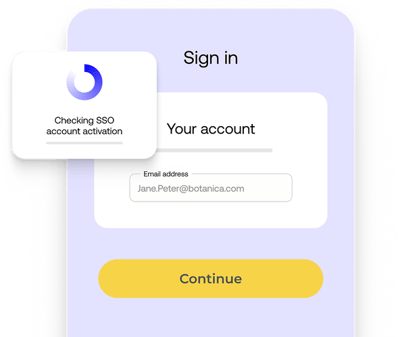
Depiction of Feefo's SSO screen

What is Single Sign On?

It’s a secure authentication feature that allows your team to log into the Feefo platform using their existing corporate credentials. By connecting directly with your company's identity provider (like Okta, Azure AD, or Google Workspace), team members don't need to create or remember a separate password for Feefo.

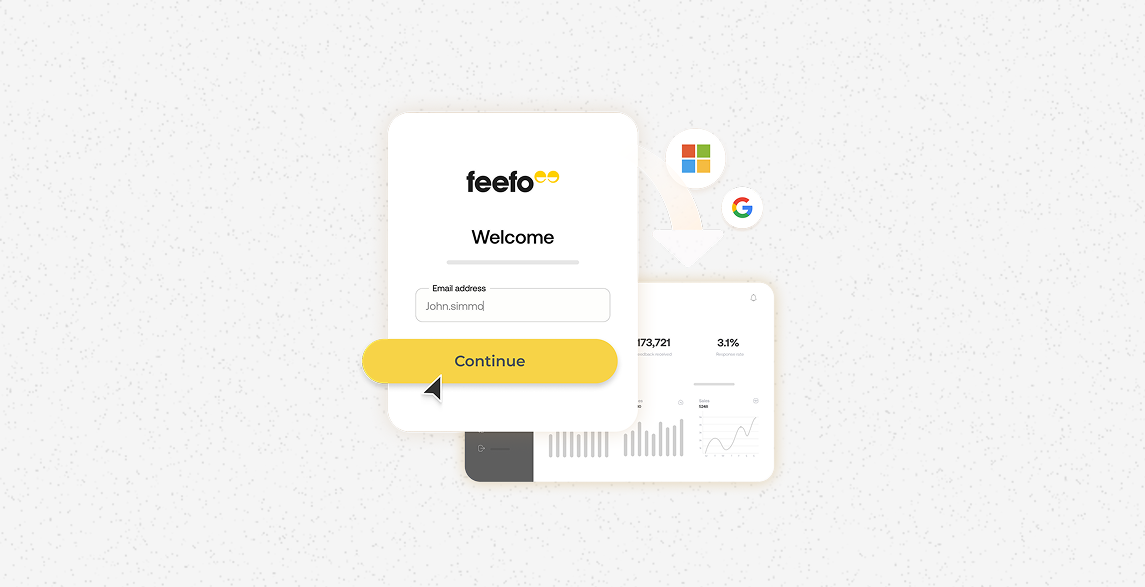
Streamline your team's workflow by allowing users to access the Feefo Hub using their existing corporate credentials. By eliminating the need for multiple usernames and passwords, you reduce login friction and password fatigue, leading to improved platform adoption and a more efficient administrative experience for teams of all sizes.
SSO 1-1
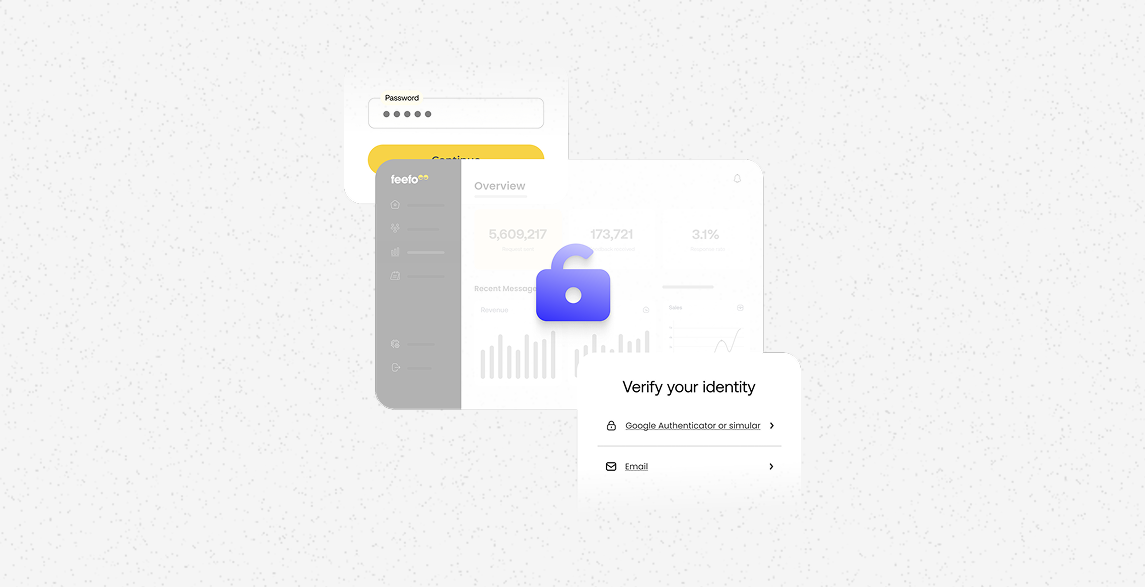
Strengthen your brand’s security by integrating Feefo with your organiSation’s central Identity Provider (IdP). This ensures that access to sensitive customer feedback and reporting data is governed by your internal security protocols, providing robust protection against unauthoriSed access and ensuring compliance with enterprise-level security standards.
SSO 2-1
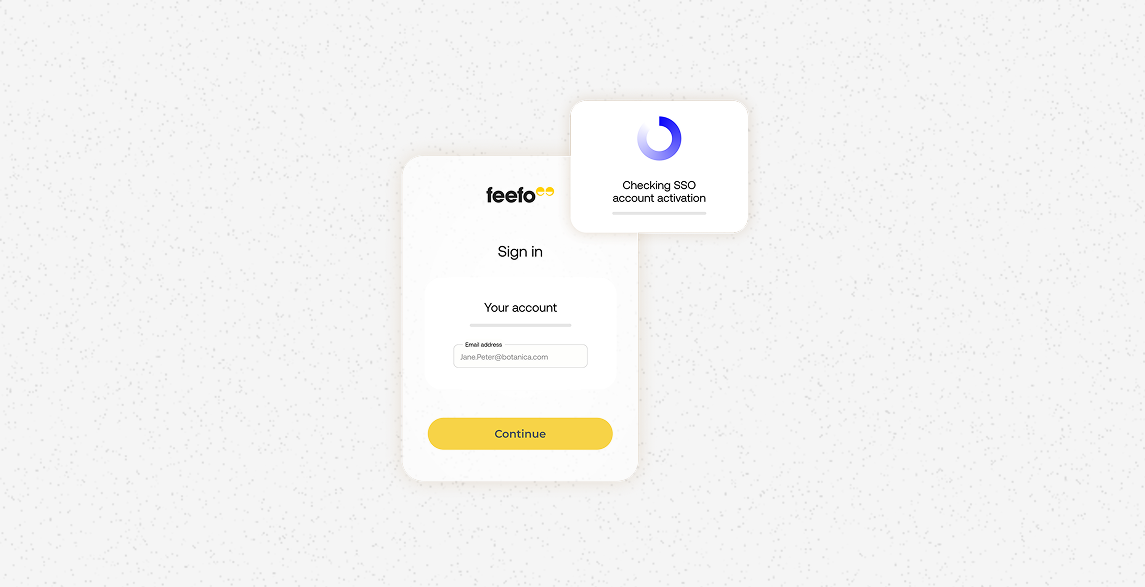
Scale your feedback operations effortlessly with automated user management that syncs directly with your corporate directory. When team members join or leave your organisation, their Feefo access is automatically updated or revoked through your central system, reducing manual IT tickets and ensuring your permissions remain accurate and secure in real-time.
SSO 3-1
Streamline your team's workflow by allowing users to access the Feefo Hub using their existing corporate credentials. By eliminating the need for multiple usernames and passwords, you reduce login friction and password fatigue, leading to improved platform adoption and a more efficient administrative experience for teams of all sizes.
SSO 1-1
Strengthen your brand’s security by integrating Feefo with your organiSation’s central Identity Provider (IdP). This ensures that access to sensitive customer feedback and reporting data is governed by your internal security protocols, providing robust protection against unauthoriSed access and ensuring compliance with enterprise-level security standards.
SSO 2-1
Scale your feedback operations effortlessly with automated user management that syncs directly with your corporate directory. When team members join or leave your organisation, their Feefo access is automatically updated or revoked through your central system, reducing manual IT tickets and ensuring your permissions remain accurate and secure in real-time.

SSO 3-1
 

Read real success stories

How Sandals cut feedback analysis time by 89%, while catching more guest issues
Customer Stories

How Sandals cut feedback analysis time by 89%, while catching more guest issues

Discover how Sandals transformed guest feedback analysis from 45 minutes to just five, gaining clearer insights and addressing issues effec...

July 20, 2026

How Peter Nyssen uses AI to reach three-quarters of its customers
Customer Stories

How Peter Nyssen uses AI to reach three-quarters of its customers

How long-standing bulb retailer Peter Nyssen used Feefo AI Replies to reply to 75% of customer reviews, while keeping every response person...

July 06, 2026

How Optimyze built a 33% review response rate
Customer Stories

How Optimyze built a 33% review response rate

Optimyze Accountants achieved a 33% WhatsApp review response rate within two years. Learn how purchaser-verified feedback became the corne...

June 22, 2026

FAQs

Which Identity Providers does Feefo SSO support?

Feefo supports Microsoft Entra ID (Azure AD), Google Workspace, Okta, and any provider compatible with SAML 2.0 or OpenID Connect. This is an enterprise feature that requires a unique email domain for all users.

Is SSO available on all plans?

No. SSO is included in the Enhanced package and is not included in standard plans. 

Does Feefo support multi-factor authentication via my IdP?

Yes. With SSO, your own IdP’s MFA rules will apply. For all other users, Feefo has mandatory built-in MFA that requires an Authenticator App for the first setup, with an email option available thereafter.

What happens to users who already have a Feefo password when we enable SSO?

They will stop working. Once SSO is enabled for your domain, all users are automatically redirected to your company's login portal. Users keep their existing permissions and history, but they will no longer use a Feefo-specific password to log in.

Can I change the session timeout?

No. For security, all Feefo Hub sessions have a fixed one-hour inactivity timeout. This is a global setting and cannot be customised for individual accounts or SSO connections.


Book a demo

What you can expect next:

dark tick

A brief conversation to align goals and priorities.

dark tick

See a personalised demonstration of our platform.

dark tick

To speak with a real, local human.